 TODO.md
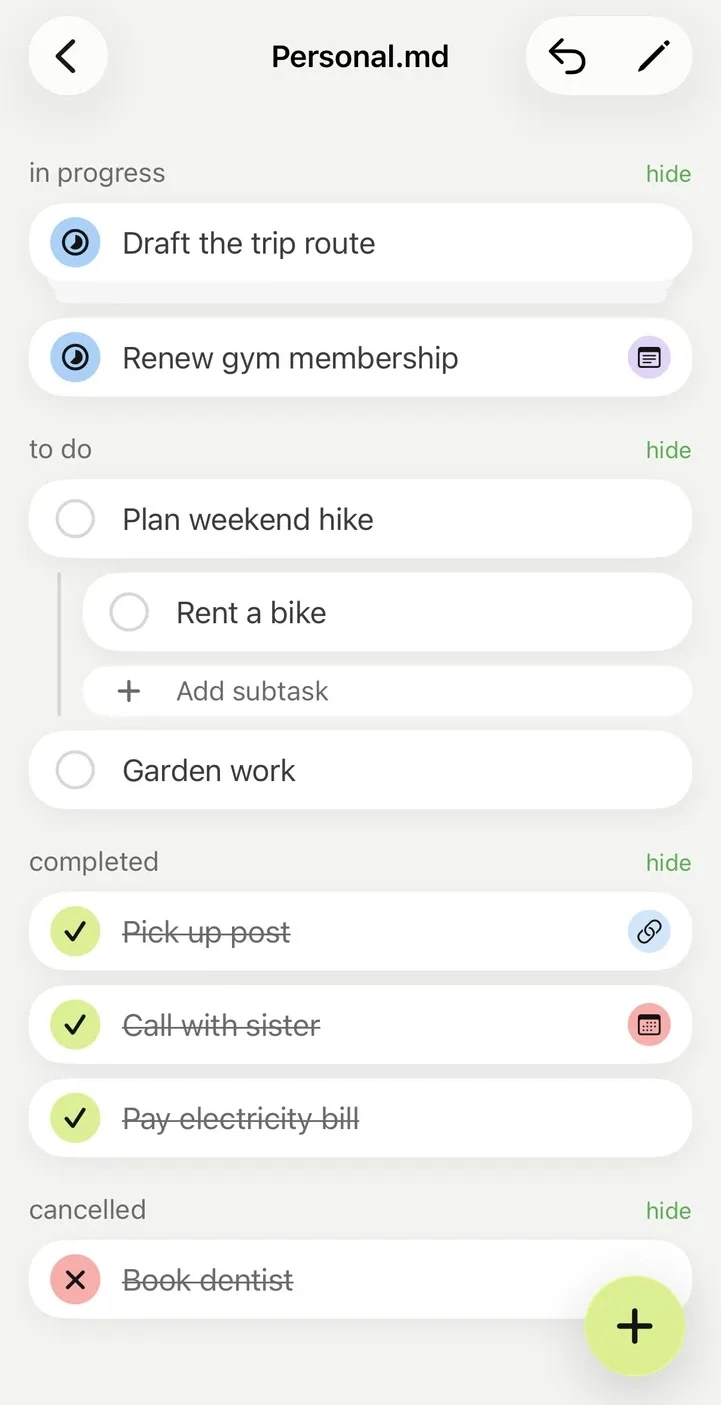
- No account Open your folder and start.
- Local vault, optional feedback No vault uploads. Only feedback you Send goes through our support service.
- Your files stay yours Markdown remains the source of truth.
From folder to finished
No importing, syncing, or rebuilding your system somewhere else.
-
Choose your vault
Point TODO.md at an Obsidian vault or any folder of Markdown notes.
-
Choose or create a list
Open a Markdown file you already use, or create a new one for your to-dos.
-
Tag it and start
By default, files appear when their frontmatter tags include
todo. New lists are tagged for you. Add or edit tasks in TODO.md or Obsidian. Both use the same plain-text checkboxes.
Built around the files you already use
The useful parts of a task app without replacing your notes.
-
The vault stays the system
Folders remain folders and files remain files. There is no database between you and your notes.
- [ ] Ship the release- [/] Polish screenshots- [x] Keep the vault current- [-] Move the list to Notion -
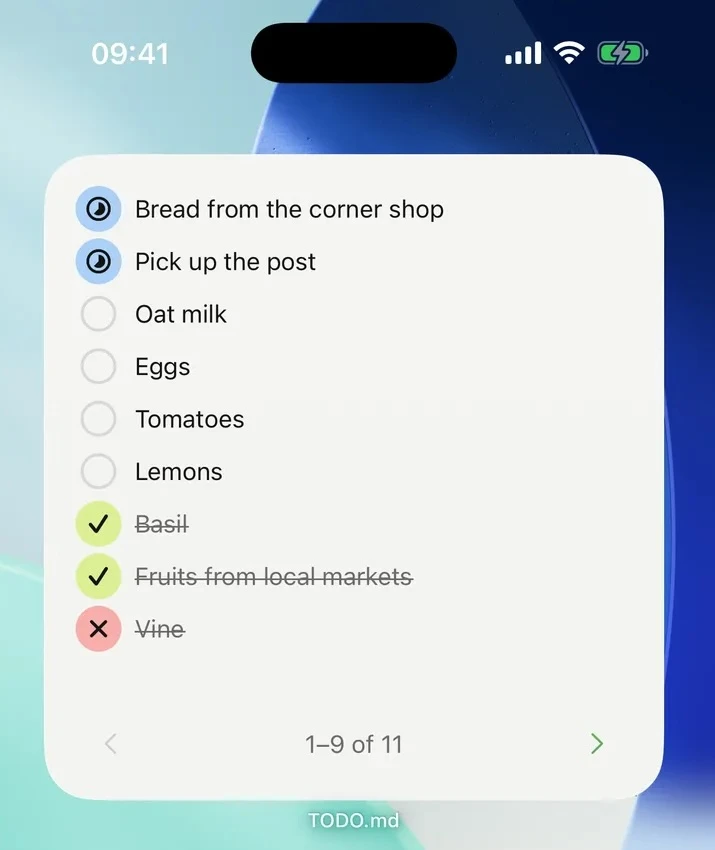
Finish work from the widget
See the next tasks on the home screen and check them off without opening the app.
-
Keep dates useful
Opt in to a dedicated Apple Calendar so dated tasks show up with the rest of the day.
Your tasks are already in your files
Give them a focused home on your iPhone without moving them anywhere.